Added: Location-Specific VoIP Notification Preferences

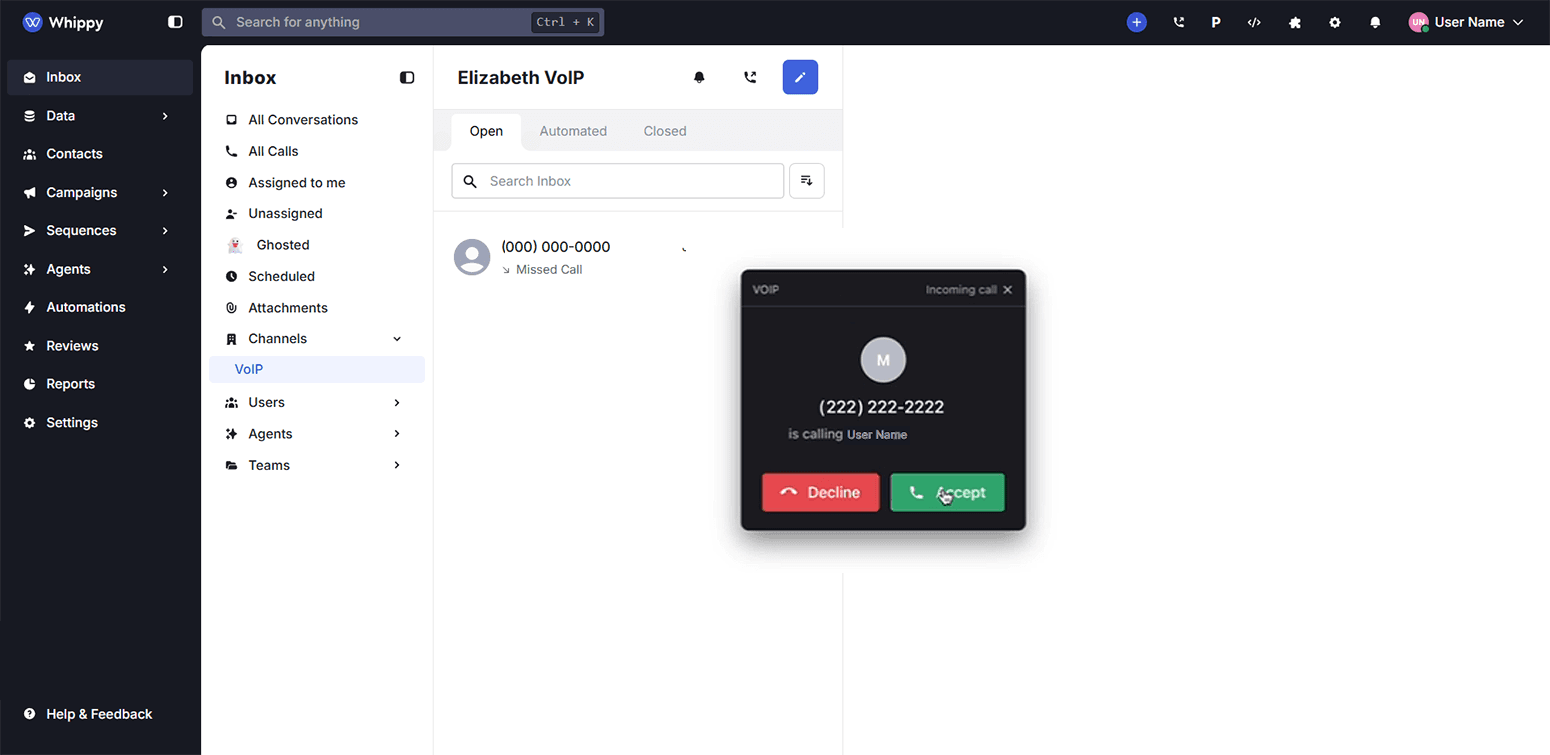
Granular notification control per channel.
How It Works
We added channel-specific notification preferences that let users manage alerts on a per-channel basis. Notification settings now live on the relationship between a user and a channel, instead of being applied globally.
Previously, notification preferences were shared across all channels. Users could not mute one office without muting all of them. With this update, each channel (office, branch, or location) can be configured independently.
If no preference is set for a channel, the system defaults to the standard global settings.
Why It Matters
For multi-channel teams, notification overload reduces focus and productivity. This change gives users precise control over when and where they receive VoIP alerts, without affecting other active channels.
Teams can now stay responsive where it matters most and quiet where it doesn’t.
Key Benefits
- Reduced noise: Recruiters and managers only receive notifications from the channels they actively manage.
- Better user experience: Notification settings are no longer “all or nothing”.
- Scalable by design: As organizations add more channels, notification streams stay relevant and manageable.